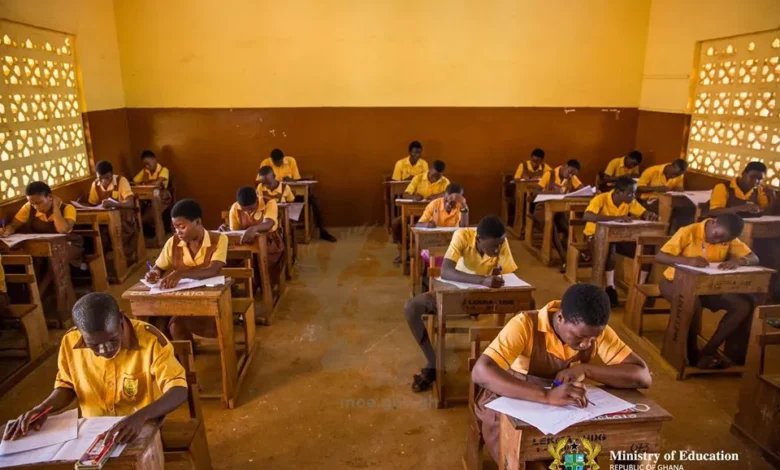
The West African Examinations Council (WAEC) has officially released the provisional results of the 2026 Basic Education Certificate Examination (BECE), enabling thousands of candidates across Ghana to access their performance online.
With many students relying on smartphones for internet access, WAEC has made the process simple and convenient. Candidates can check their results from the comfort of their homes using any internet-enabled mobile phone after purchasing a valid results checker containing a Serial Number and PIN.
What You Need Before Checking Your Results
Before attempting to access your results, ensure you have the following:
- A smartphone with internet access.
- A valid 2026 BECE Results Checker Voucher containing a Serial Number and PIN.
- The PIN can be purchased through the official shortcode service by dialing *713*3998# or visiting buycheckercodes.com.gh.
- Your BECE Index Number.
- The correct Examination Year (2026).
Step-by-Step Guide to Check Your BECE Results
Candidates can access their results by following these simple steps:
Step 1: Visit the Official WAEC Results Portal
Open your preferred web browser on your mobile phone and visit the official WAEC results portal: http://eresults.waecgh.org
Step 2: Enter Your Index Number
Input your BECE Index Number exactly as it appeared during the examination.
Step 3: Confirm Your Index Number
Re-enter the Index Number in the confirmation field to ensure there are no typing errors.
Step 4: Select the Examination Year
Choose 2026 as the examination year from the available options.
Step 5: Enter the Results Checker Details
Type in the Serial Number and PIN found on your BECE Results Checker Voucher.
Step 6: Verify the Security Code
Enter the security verification code (captcha) displayed on the page.
Step 7: Submit Your Request
Click the Submit button and wait a few seconds for your provisional BECE results to appear on your screen.
Save or Print Your Results
After successfully viewing your results, candidates are encouraged to:
- Take a screenshot of the results.
- Save the page as a PDF if possible.
- Print a hard copy for future reference.
Although the online results can be accessed multiple times while the checker remains valid, keeping a personal copy is highly recommended.
Beware of Fraudsters
WAEC has advised candidates and parents to use only the official results portal when checking examination results. The Council cautioned the public against individuals or websites claiming they can alter examination results or guarantee admissions into Senior High Schools.
Candidates should never disclose their results checker PIN or Serial Number to unauthorized persons.
Next Step: SHS Placement
Following the release of the provisional BECE results, the next stage is the Computerised School Selection and Placement System (CSSPS), which will assign qualified candidates to Senior High Schools and Technical and Vocational Education and Training (TVET) institutions.
The Ministry of Education and the Ghana Education Service are expected to announce the placement timetable in the coming weeks. Candidates are therefore advised to monitor official communications and keep their examination details safe